
Skip to content
HeyCaptions

Transcribe audio to text for free

Upload an MP3, WAV, M4A or voice memo and get a clean, punctuated transcript in seconds – in 99 languages.

Drop your audio or video file here

MP4, MOV, WEBM, MP3, WAV and more · up to 500 MB · 30 min

Your file is deleted automatically when you are done.

  • 100% free
  • No watermark
  • No sign-up
  • Auto-deleted

How it works

  1. 1

    Upload video or audio

    MP4, MOV, MP3, WAV, M4A, voice memos and more.

  2. 2

    Get your transcript

    Accurate text with punctuation, ready in seconds.

  3. 3

    Copy or download

    Copy the text or download it as TXT, SRT or VTT.

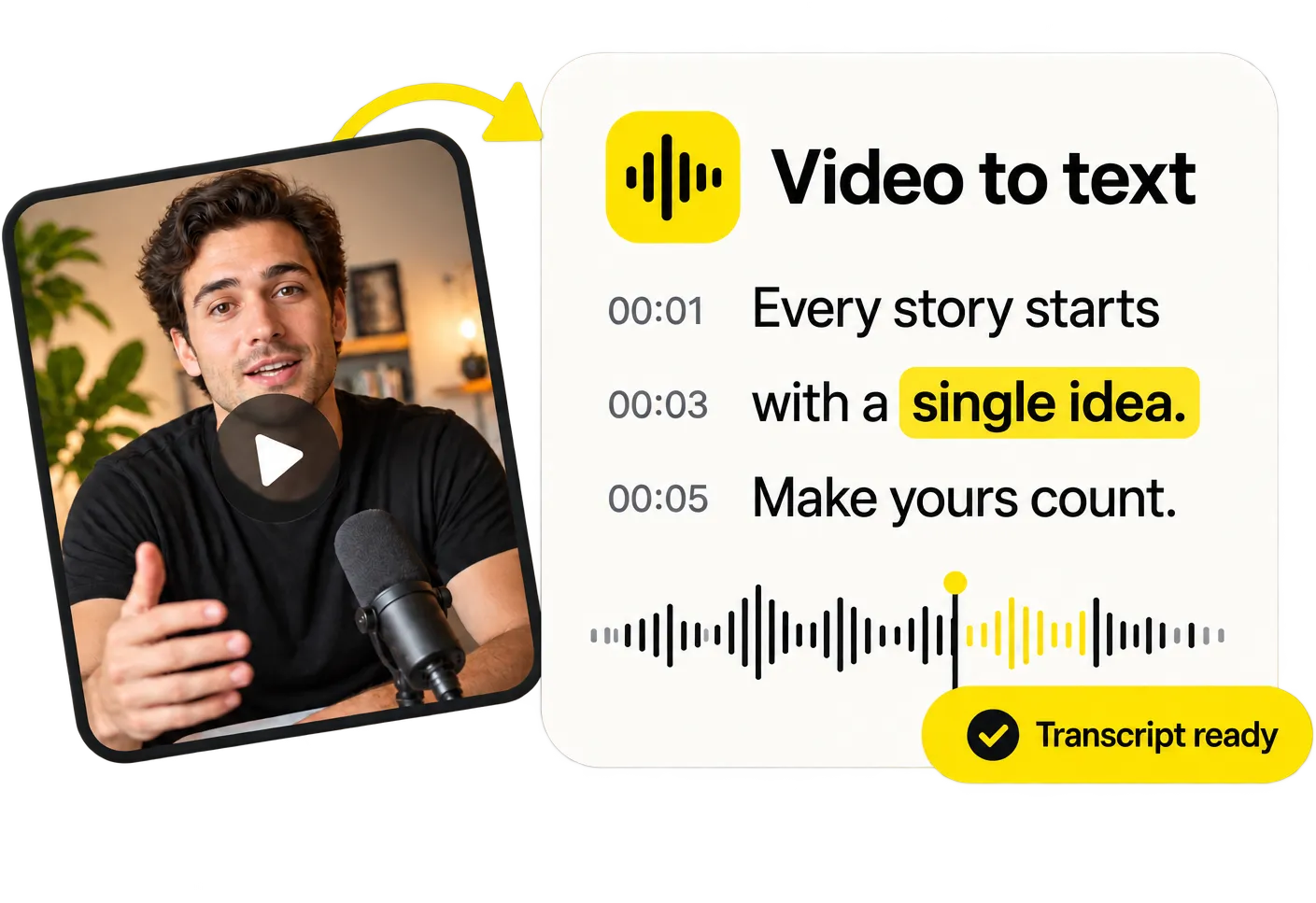
Video to text, in seconds

Video to text, in seconds

Need the words, not the captions? Get a full transcript with timestamps from any video or audio file and copy it with one click.

Transcribe a video
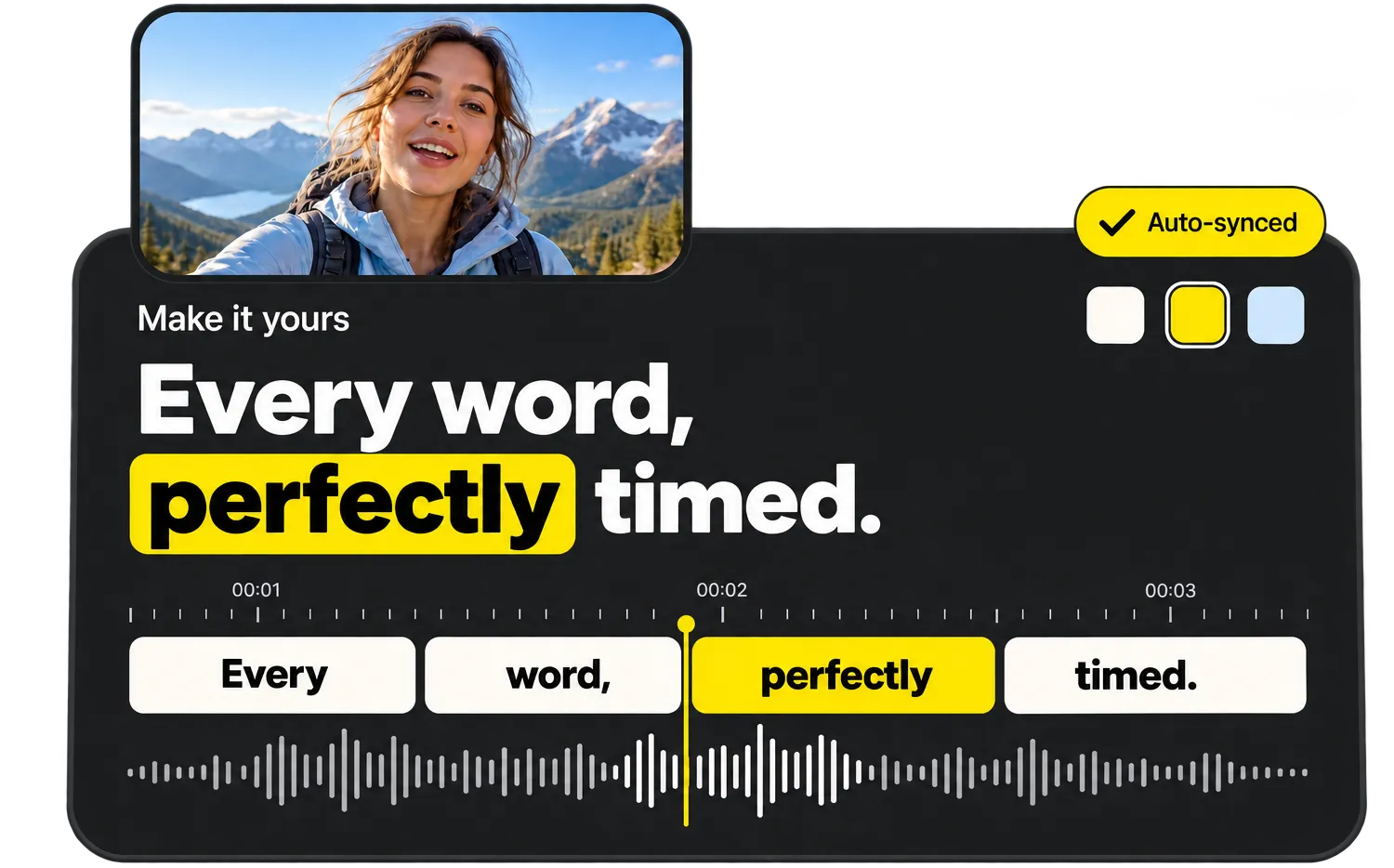
Every word, perfectly timed

Every word, perfectly timed

Tap a caption to jump to it, fix a word or highlight the important ones. Every change shows up instantly in the live preview.

Try the editor

Everything you need, nothing you don’t

  • Word-perfect auto timing

    Every word gets its own timestamp, so captions appear exactly when they are spoken.

  • Styles that go viral

    Bold, Karaoke, Viral, Neon, Boxed and more – made for TikTok, Reels and Shorts.

  • 99 languages

    Automatic language detection, from English and Spanish to Turkish and Japanese.

  • Edit like a document

    Fix any word in seconds and highlight the words that matter.

  • MP4, SRT, VTT & TXT

    Download a captioned video or subtitle files for any platform.

  • Private & auto-deleted

    Files are processed on our own servers and deleted as soon as you are done.

Transcribe podcasts, interviews and voice memos

Whether it’s a podcast episode, a recorded interview, a lecture or a voice message, HeyCaptions turns speech into readable text. Punctuation and paragraphs are added automatically, so the result is ready to use.

Need subtitles for your podcast clips? The same transcript can be exported as an SRT or VTT file with exact timings.

Private by design

Your audio is only used to create your transcript. It’s processed on our own servers and deleted automatically as soon as you’re done – nothing is kept, shared or used for AI training.

Frequently asked questions

Which audio formats work?

MP3, WAV, M4A, AAC, OGG, OPUS, FLAC and WEBM, plus the audio track of any video file.

How long can my recording be?

Up to 30 minutes per file. Longer recordings can be split into parts and uploaded one by one.

Does it work with several speakers?

Yes, everyone’s speech is transcribed. Speaker labels are not added yet, but the timestamps make it easy to find each part.

Is HeyCaptions really free?

Yes, 100% free. No sign-up, no watermark and no paid “export” step.

What happens to my video?

Your file is only used to create your captions. It is processed on our own servers and permanently deleted as soon as you are done – at the latest 30 minutes after your last activity. We never use your files for anything else.

Which languages are supported?

HeyCaptions recognizes 99 spoken languages, including English, Spanish, German, French, Portuguese, Italian, Dutch, Polish, Turkish, Japanese, Korean, Chinese, Hindi and Arabic. The language is detected automatically.

Are there any limits?

Files can be up to 500 MB and 30 minutes long. MP4, MOV, WEBM, MKV, AVI, MP3, WAV, M4A and most other formats work.

Does it work on my phone?

Yes. HeyCaptions works in any modern browser on iPhone, Android, tablets and computers – no app needed.

Ready to caption your video?

It’s free, it’s fast and there’s no watermark.

Upload video