
Skip to content
HeyCaptions

Create an SRT file from any video

Upload your video or audio and download a ready-to-use SRT subtitle file with perfect timing. Also available as VTT or plain text.

Drop your video here

MP4, MOV, WEBM, MP3, WAV and more · up to 500 MB · 30 min

Your file is deleted automatically when you are done.

  • 100% free
  • No watermark
  • No sign-up
  • Auto-deleted

How it works

  1. 1

    Upload video or audio

    MP4, MOV, MP3, WAV, M4A, voice memos and more.

  2. 2

    Get your transcript

    Accurate text with punctuation, ready in seconds.

  3. 3

    Copy or download

    Copy the text or download it as TXT, SRT or VTT.

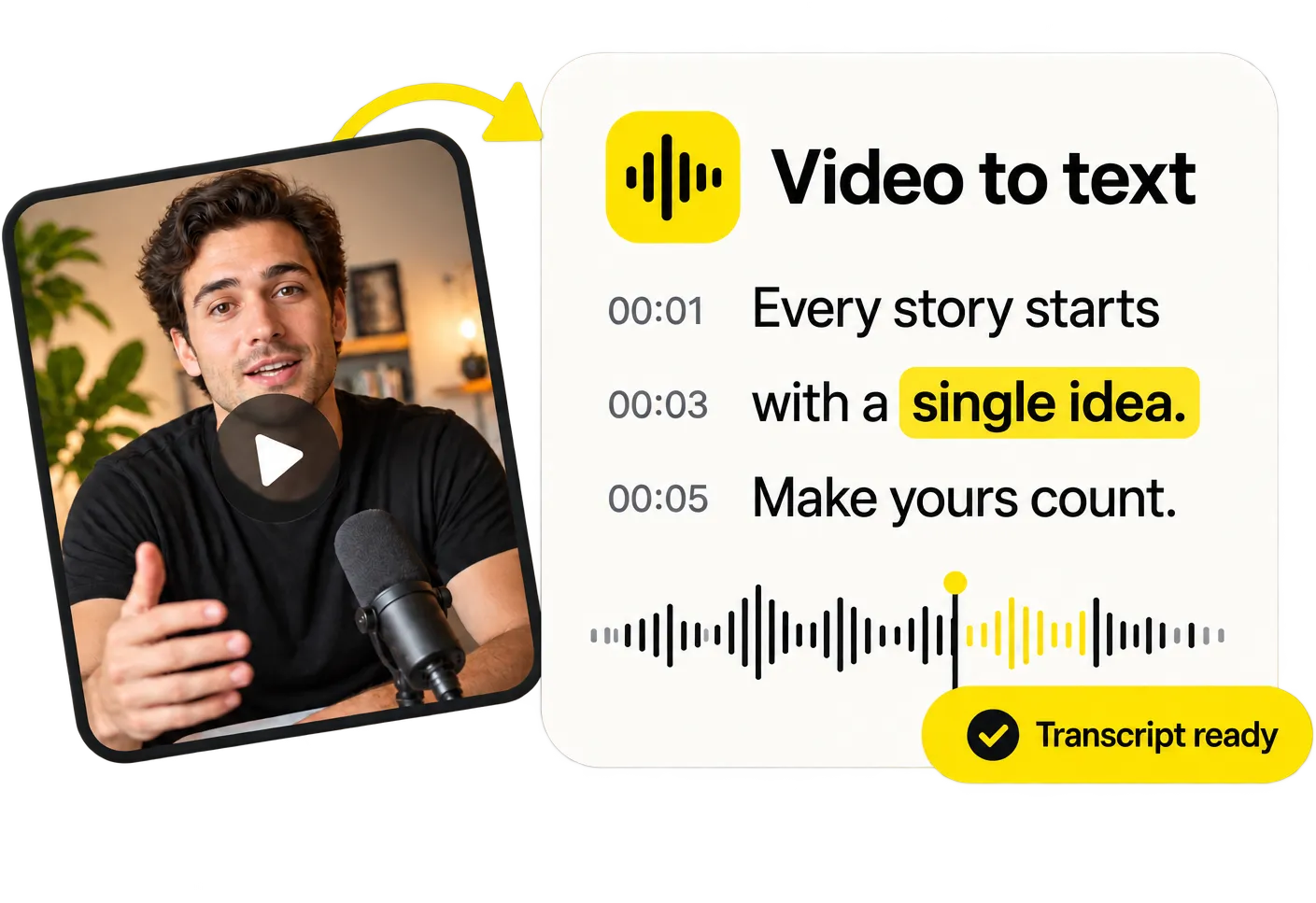
Video to text, in seconds

Video to text, in seconds

Need the words, not the captions? Get a full transcript with timestamps from any video or audio file and copy it with one click.

Transcribe a video
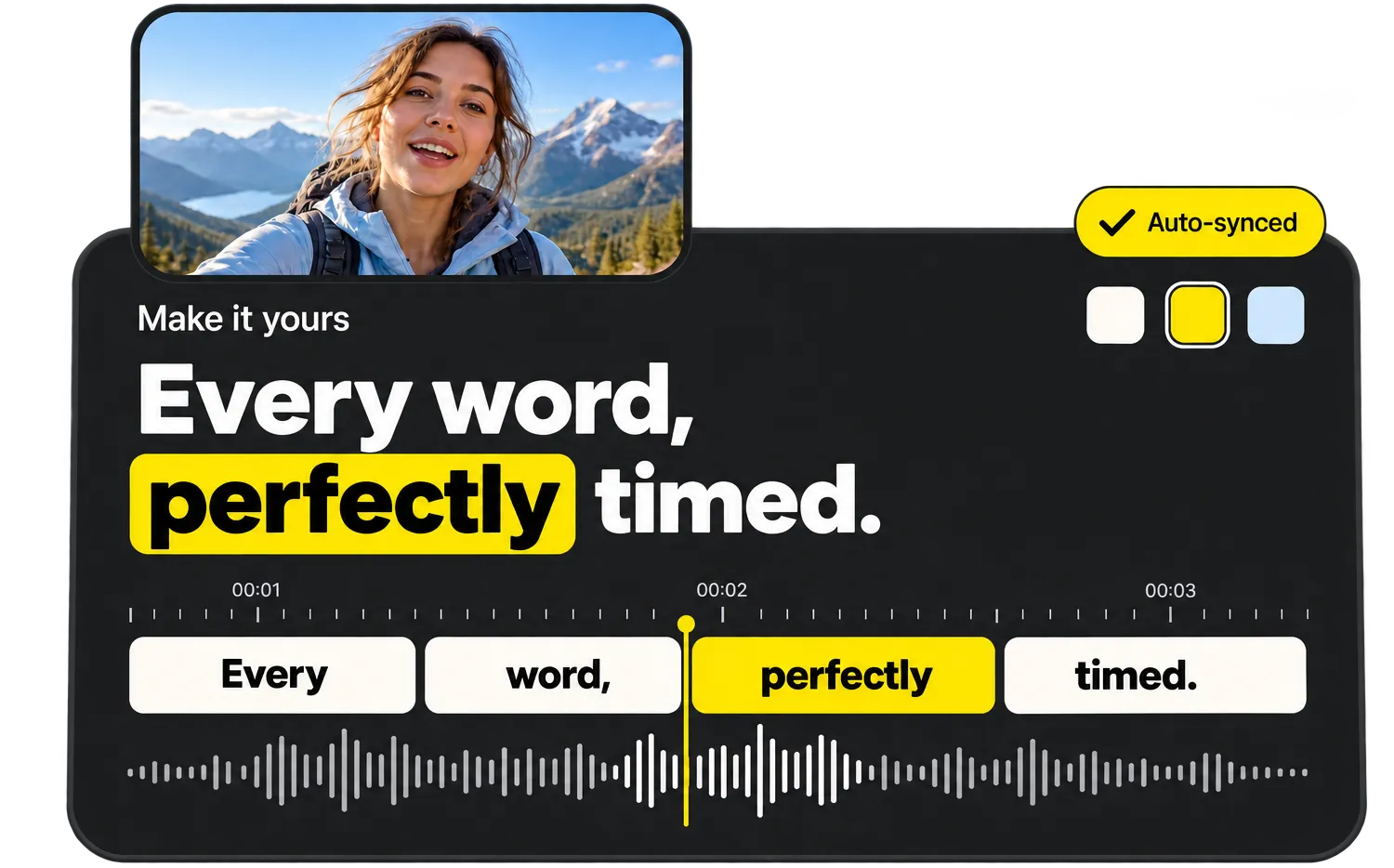
Every word, perfectly timed

Every word, perfectly timed

Tap a caption to jump to it, fix a word or highlight the important ones. Every change shows up instantly in the live preview.

Try the editor

Everything you need, nothing you don’t

  • Word-perfect auto timing

    Every word gets its own timestamp, so captions appear exactly when they are spoken.

  • Styles that go viral

    Bold, Karaoke, Viral, Neon, Boxed and more – made for TikTok, Reels and Shorts.

  • 99 languages

    Automatic language detection, from English and Spanish to Turkish and Japanese.

  • Edit like a document

    Fix any word in seconds and highlight the words that matter.

  • MP4, SRT, VTT & TXT

    Download a captioned video or subtitle files for any platform.

  • Private & auto-deleted

    Files are processed on our own servers and deleted as soon as you are done.

What is an SRT file?

SRT (SubRip Subtitle) is the most widely supported subtitle format. It’s a simple text file in which every subtitle has a number, a start and end time and the text. YouTube, Facebook, LinkedIn, Vimeo, VLC, Premiere Pro, DaVinci Resolve and Final Cut Pro all accept SRT files.

Writing one by hand takes ages. HeyCaptions generates it automatically: the speech is transcribed, split into lines of at most 42 characters and every subtitle is timed to the spoken words.

SRT or VTT?

Use SRT for video editors, YouTube and most platforms. Use VTT (WebVTT) for HTML5 video players on websites. You can download both from the same transcript – and convert between them with our free SRT to VTT converter.

Frequently asked questions

How do I generate an SRT file from a video?

Upload the video, wait for the transcript, then click SRT in the Export tab. The file downloads instantly.

Can I edit the subtitles before downloading?

Yes. Click any line to fix words, names or punctuation – the timing is kept.

How do I add an SRT file to YouTube?

In YouTube Studio, open your video, go to Subtitles, choose Add language, then Upload file → With timing and select your SRT file.

Is HeyCaptions really free?

Yes, 100% free. No sign-up, no watermark and no paid “export” step.

What happens to my video?

Your file is only used to create your captions. It is processed on our own servers and permanently deleted as soon as you are done – at the latest 30 minutes after your last activity. We never use your files for anything else.

Which languages are supported?

HeyCaptions recognizes 99 spoken languages, including English, Spanish, German, French, Portuguese, Italian, Dutch, Polish, Turkish, Japanese, Korean, Chinese, Hindi and Arabic. The language is detected automatically.

Are there any limits?

Files can be up to 500 MB and 30 minutes long. MP4, MOV, WEBM, MKV, AVI, MP3, WAV, M4A and most other formats work.

Does it work on my phone?

Yes. HeyCaptions works in any modern browser on iPhone, Android, tablets and computers – no app needed.

Ready to caption your video?

It’s free, it’s fast and there’s no watermark.

Upload video